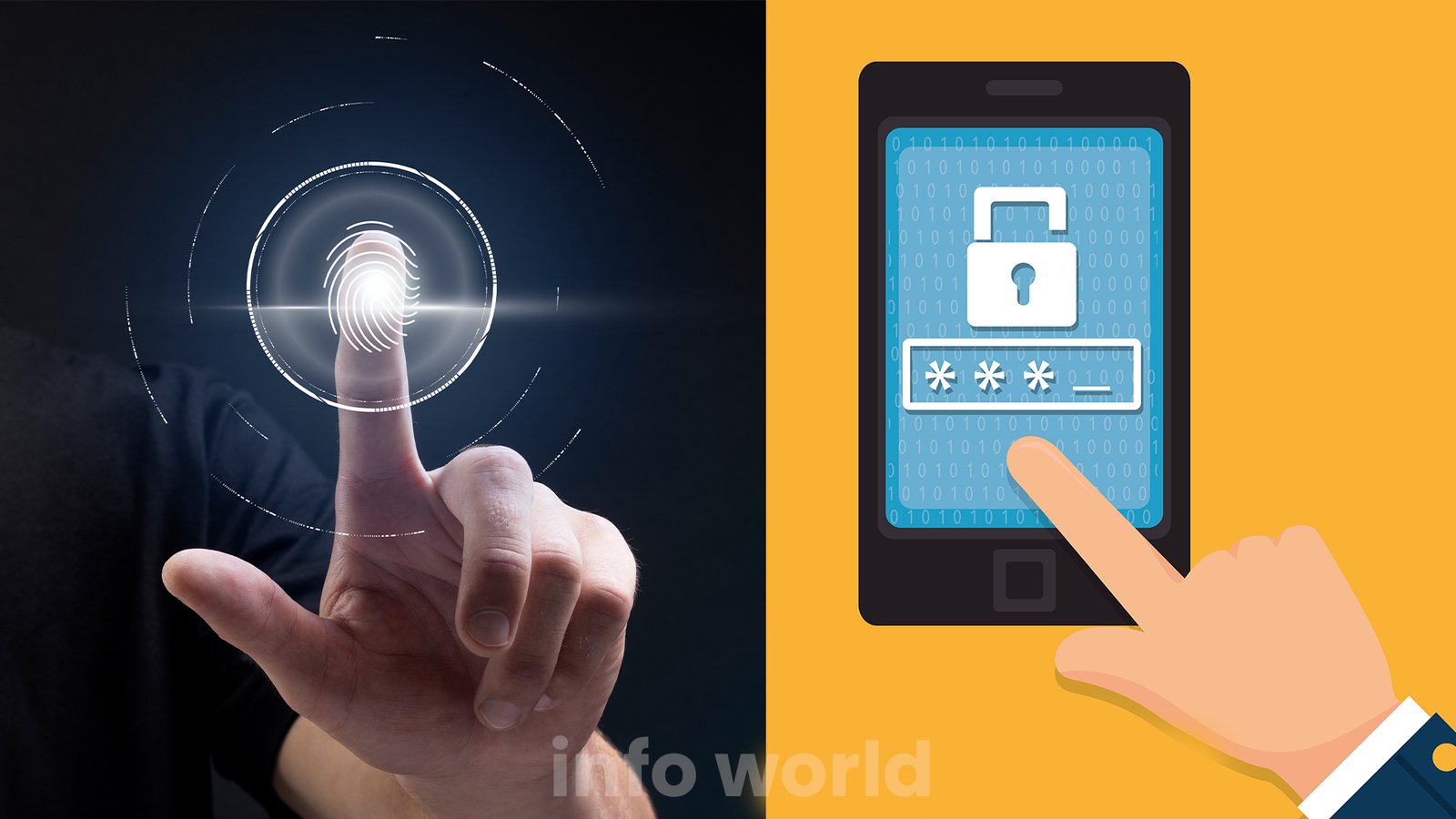
In today’s smartphone-driven world, users expect more than just fast performance and a sleek design. Personal expression, convenience, and advanced security have become essential parts of the mobile experience. People no longer want a basic lock screen that only shows time and notifications—they want a screen that feels personal, meaningful, and interactive. That is where the Touch Lock Screen Photo App steps in, offering a refreshing combination of creativity and protection.
This innovative feature allows users to lock their devices using specific touch points integrated into a custom photo. Instead of relying solely on traditional unlocking methods like PIN codes or swipe patterns, users can interact directly with their chosen image to unlock their phone. It’s a mix of emotional value, smart functionality, and enhanced privacy—packed into one impressive tool.
What Is a Touch Lock Screen Photo App?
A Touch Lock Screen Photo App is a mobile application that gives users the ability to create a lock screen based on a personalized image. Instead of entering passwords or drawing lines, the user can tap certain areas of the picture to unlock the phone. These “secret touch points” act like a hidden security code that only the user knows.
This technology takes the simple act of unlocking a phone and transforms it into a unique gesture designed around your own photo. Whether it’s tapping on a smile in a selfie, touching a star in the sky, or selecting a flower in a landscape picture—the possibilities are endless.
Such lock screens combine:
- Security
- Creativity
- Convenience
- Emotional attachment
In a world where everyone carries the same few types of phones, this feature allows each user to make their device truly “theirs.”
How a Photo-Based Touch Lock System Works
The working mechanism is simple but intelligent:
- Choose a Photo
The user selects a favorite image—family photo, personal portrait, scenery, pet, art, etc. - Set Touch Points
The app asks the user to tap specific areas on the picture. These become the secret “unlock spots.” - Saving the Pattern
The app records the exact coordinates where the user touched and stores them securely. - Unlocking via Touch
When the phone is locked, the user taps the same points on the lock-screen image. If the touches match, the device unlocks instantly.
This method mimics the logic of a pattern lock, but instead of lines and shapes, it uses touch locations on a personal picture—making it intuitive but extremely hard for others to guess.
Why Users Love Photo-Based Touch Lock Screens
1. Emotionally Personalized Lock Screen
Instead of a boring default wallpaper, users can turn their lock screen into something truly memorable. Every time they unlock their phone, they interact with:
- A loved one’s photo
- A captured moment
- Artistic photography
- Their own portrait
- A spiritual or inspirational picture
This simple interaction can transform daily phone usage into a more meaningful experience.
2. Aesthetic Beauty Meets Functionality
Modern smartphones focus heavily on visual appeal. A touch photo lock adds:
- Vibrant imagery
- Clean design
- A sense of ownership
- A stylish unlocking method
Users don’t just see the image—they use it, making the lock screen feel alive.
3. Enhanced Security Without Complexity
While fingerprint, PIN, and face unlock are popular, they are not perfect:
- Some phones lack biometrics
- Wet fingers fail fingerprint sensors
- Face unlock may not work in the dark
- People can guess simple PINs
- Patterns can leave screen smudge trails
However, a photo touch lock has no visible clues and no repetitive trace marks. Only the user knows the correct touch points.
This makes the phone:
- Difficult to break into
- More secure from shoulder-surfers
- Safer from people trying to guess the password
It’s a hidden locking mechanism disguised inside a normal picture.
Why Touch Lock Screen Apps Are Becoming Popular
1. Perfect for Both Kids and Adults
Children love anything interactive. They enjoy tapping pictures and unlocking phones in a playful way.
Adults prefer:
- Extra privacy
- Hidden security
- Clean design
- Personalized photo usage
The feature satisfies both groups, making it a versatile choice for all ages.
2. Works Even If Biometrics Fail
Medical conditions, injuries, or temporary issues can prevent biometrics from working properly. A touch-based photo lock doesn’t depend on:
- Finger patterns
- Face visibility
- Hardware-level sensors
This makes it reliable anytime, anywhere.
3. A Great Option for Mid-range Smartphone Users
Many budget and mid-range phones do not include the latest biometric technology. A touch lock system offers a premium-feeling feature without requiring expensive hardware.
Key Features of Touch Lock Screen Photo Apps
Most touch lock photo apps include several advanced features:
✔ Custom Touch Zones
Users can set one or multiple touch points on the image.
✔ Invisible Touch Indicators
The touch points remain invisible on the lock screen—no hints, no clues.
✔ High-Quality Photo Support
Users can set HD or full-screen images without compromising clarity.
✔ Quick Unlocking
Phones unlock instantly after the correct touches.
✔ Vibration Feedback
A small vibration confirms the touch but doesn’t reveal correctness.
✔ Extra Security Layers
Some apps allow combining touch lock with:
- PIN
- Backup pattern
- Fingerprint (when available)
✔ Anti-Theft Features
Some versions can:
- Capture photos of intruders
- Log incorrect attempts
- Sound alarms after repeated failures
User Experience: What Makes This Feature So Unique?
Smooth, Intuitive Functionality
The entire unlocking process feels natural because it’s based on simple taps. There is no need to remember complex passwords or follow long steps.
Visually Pleasing Interface
Touches blend seamlessly with the photo. No buttons, locks, or icons clutter the screen.
Fun to Use
Even adults enjoy the “secret code” feeling. It’s engaging while remaining highly practical.
Advanced Benefits of Touch Lock Screen With Photo
1. No Visible Password Clues
Unlike PINs or patterns, no one can observe or guess your unlocking method.
2. Safe from Fingerprint Smudges
Patterns reveal themselves on screens through smudge traces. Touch zones blend completely into the image.
3. Privacy Without Flashy Biometrics
You don’t have to hold your phone up to your face or touch a sensor—just tap your image.
4. Perfect for Dark or Bright Environments
Face unlock struggles in low light. Touch unlock works in all lighting conditions.
5. A Creative Way to Use Photos
People take thousands of photos but rarely use them meaningfully. This feature adds utility to those captured moments.
Who Should Use a Touch Lock Screen Photo App?
✔ People who want a unique lock method
Perfect for those bored with traditional locks.
✔ Users who love personalizing their phones
If you enjoy setting custom wallpapers and themes, this feature is ideal.
✔ Parents looking for simple locking options
Kids understand tapping far easier than remembering passwords.
✔ Users who value privacy
Since the unlocking points are hidden, this method is extremely secure.
✔ Smartphone owners without biometric sensors
It offers a modern unlocking experience even on older phones.
Things to Consider Before Using Touch Photo Lock
- Make sure the app you download is from a trusted source.
- Avoid using images with too many similar areas (e.g., plain backgrounds).
- Set a backup password in case you forget the touch points.
- Turn on intruder detection if available.
Conclusion
The Touch Lock Screen Photo App is a revolutionary step in merging mobile security with emotional personalization. It transforms an ordinary lock screen into an interactive, stylish, and secure experience. Users get complete control over the visual appearance and unlocking behavior of their device.
Whether you’re looking for:
- A creative way to secure your phone
- A photo-based lock method
- A personalized lock screen
- A feature that blends beauty with protection
This technology offers all of it in one smart package.
As smartphones continue to evolve, features like this prove that security doesn’t have to be dull. It can be fun, expressive, innovative, and deeply personal.