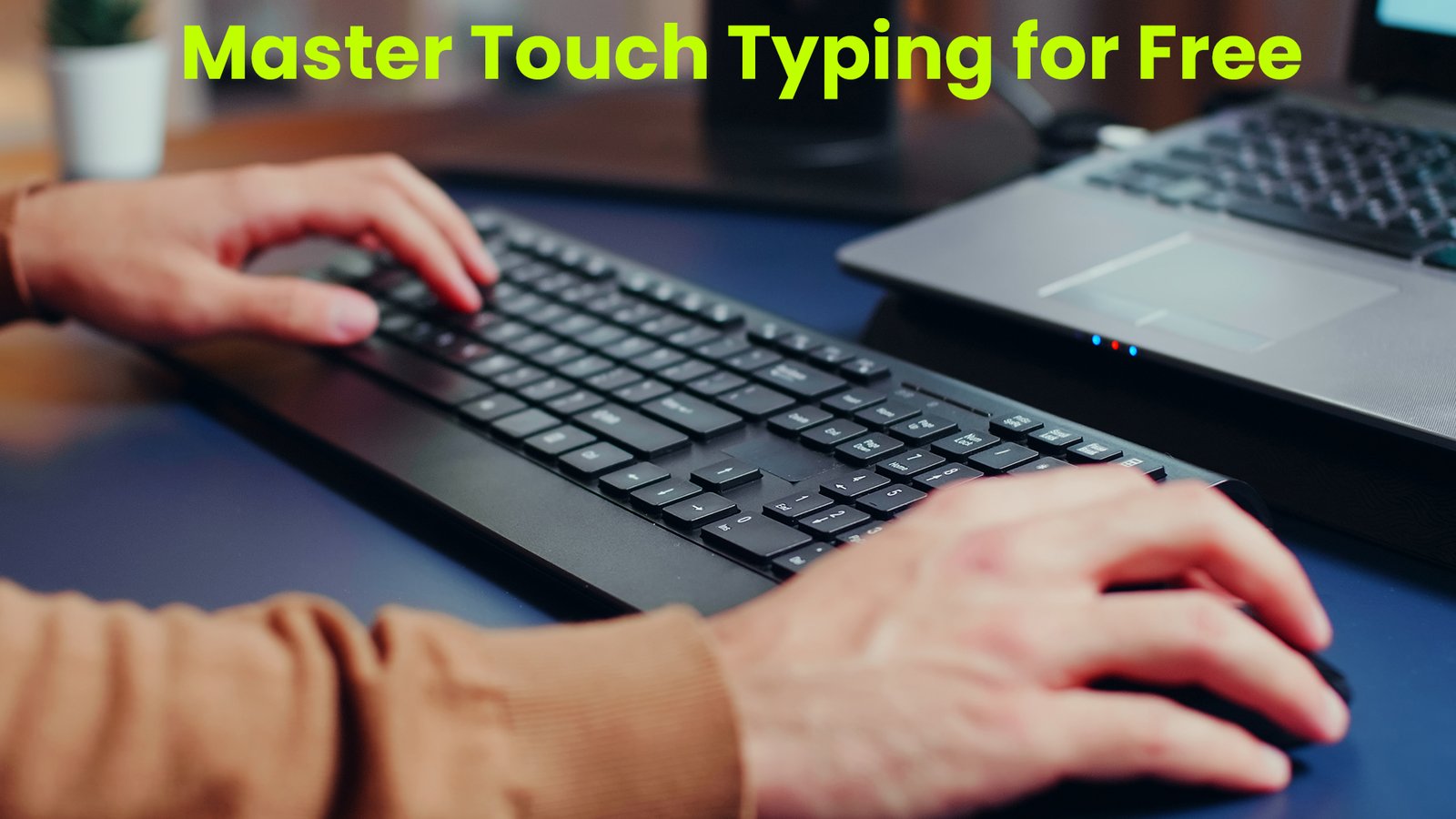
Master Touch Typing for Free
Typing has become one of the most essential digital skills of the modern world. Whether you’re writing school assignments, preparing office documents, communicating online, or simply browsing the web, the ability to type fast and accurately saves hours of effort every week. Touch typing — the technique of typing without looking at the keyboard — is one of the most effective ways to improve your overall productivity. Instead of searching for each key individually, your fingers learn the layout through muscle memory, allowing words to flow smoothly onto the screen. This guide explores the importance of touch typing, the best free platforms to learn it, and how you can develop real typing mastery with simple daily habits.
Touch typing may sound complicated at first, but the concept is simple. You train your fingers to rest on a specific set of keys known as the “home row,” and from there, you learn to reach all other keys with minimal finger movement. As you practice regularly, your hands become more comfortable, your speed increases, and your accuracy improves naturally. Over time, your eyes no longer need to follow your fingers. Instead, your brain and hands work together effortlessly, freeing you to concentrate entirely on your ideas instead of focusing on the keyboard.
Why Touch Typing Is Worth Learning
Being able to type efficiently has real-world value. Students who type quickly can finish assignments in less time. Professionals can complete reports, emails, and presentations with ease. Content creators, programmers, and writers rely heavily on typing, and saving even a few minutes per page can make a significant difference. Touch typing also reduces mental and physical strain. When you constantly look down at the keyboard, your neck and hands endure extra pressure, which may lead to long-term discomfort or repetitive strain injuries. Touch typing encourages proper posture, smoother hand movement, and more relaxed typing habits.
Focusing on typing speed also helps you think and write more clearly. When your fingers automatically follow your thoughts, your creativity flows without interruption. You don’t need to pause mid-sentence to locate letters. This makes touch typing especially valuable for those who spend long hours working on computers daily.
Free Tools That Make Learning Accessible to Everyone
The best part about learning touch typing in today’s digital age is that you don’t need to join a class or spend money. Numerous free websites provide excellent lessons, interactive exercises, and typing games that help you develop your skills gradually. These platforms guide you from basic finger placement to advanced typing techniques, providing instant feedback to help you improve.
Many of these websites track your progress, calculate your words per minute (WPM), monitor accuracy, and highlight areas where you need improvement. You can practice anytime and at your own pace, making it an ideal learning method for students, working professionals, and even older adults who want to strengthen their digital confidence.
Popular Free Platforms Worth Trying
TypingClub, for example, is one of the most widely used typing-learning websites. It offers structured lessons that take you from the very basics to complex typing drills. The animations and interactive elements make learning enjoyable. Keybr is another platform that focuses heavily on helping users develop muscle memory through random but scientifically generated letter combinations. Unlike traditional lessons, Keybr emphasizes learning by feel, making your fingers adapt quickly.
Ratatype is a user-friendly platform suitable for learners of all ages. It offers group competitions, typing tests, and certificates that motivate users to keep improving. Each website has unique features, but all share a common goal — making touch typing simple, effective, and enjoyable.
Turning Learning into a Game
Typing games are one of the most exciting ways to practice without feeling like you’re studying. Websites such as TypeRacer and NitroType turn practice sessions into competitive online races where your typing speed determines how fast your car moves. This transforms learning into a fun challenge, helping you build speed effortlessly while enjoying the experience.
Competitive typing helps you stay motivated because you can see your progress instantly. Whether you want to beat your personal record or compete with friends, gaming-based typing practice can dramatically boost your speed and confidence.
Building Speed the Right Way
Many beginners make the mistake of trying to type fast immediately, but focusing on speed too early can lead to mistakes and improper finger placement. The correct approach is to start slow and concentrate on accuracy. Once your fingers know the correct position for each key, speed will naturally increase week by week.
Setting aside a dedicated practice time — even just 15 to 20 minutes a day — can bring noticeable improvement. Regular practice trains your muscles, strengthens your coordination, and makes typing feel more natural. Think of touch typing as learning a musical instrument: the more consistently you practice, the smoother your performance becomes.
Training Yourself Not to Look at the Keyboard
Breaking the habit of looking at the keyboard is one of the biggest challenges for new learners. But several techniques can help. You can cover your hands with a cloth, use keyboard stickers to remove letter visibility, or practice on a blank keyboard. These methods encourage your fingers to rely on memory rather than vision. At first, it may feel awkward, but with persistence, your confidence will soar as your hands learn the layout.
Track Your Improvements Over Time
Almost all modern typing platforms provide detailed statistics showing your progress. They measure your WPM, accuracy percentage, error patterns, and time spent practicing. These performance insights help you understand your strengths and weaknesses. When you break small milestones — such as reaching 25, then 40, then 60 words per minute — you gain motivation to continue learning. Monitoring your improvement also makes the learning process more rewarding.
Avoiding Mistakes When Learning
New learners often rush to increase speed, which leads to frequent errors and bad typing habits. It’s important to focus on using the correct finger for each key and maintaining proper posture. Sitting improperly or using incorrect finger movement can slow you down and cause discomfort.
Another common mistake is practicing irregularly. Consistency matters more than long sessions. Even short, daily practice helps your brain retain what it learns. Developing muscle memory takes time, but the results are long-lasting.
Maintaining Proper Posture
Typing comfort depends greatly on posture. Sit upright, keep your feet flat on the ground, and relax your shoulders. Your wrists should stay slightly elevated so they don’t press against the desk. Place your fingers gently on the home row: A S D F for the left hand and J K L ; for the right hand.
Maintaining the correct posture not only boosts efficiency but also prevents wrist and shoulder strain, making typing a healthier activity in the long run.
Typing on Different Devices
Touch typing isn’t limited to desktop keyboards. Many people use laptops, tablets with external keyboards, or even portable mini-keyboards. Each device has its own feel and key spacing. Practicing on multiple devices helps you become adaptable. If you switch between devices often, this versatility becomes extremely useful.
Understanding Muscle Memory
Muscle memory is at the heart of touch typing. Every time you type correctly, your brain strengthens the connection between the letter and the finger movement. Over time, these movements become automatic. You won’t need to think about which finger to move — your hands will respond instinctively. Once you reach this stage, typing becomes fast, smooth, and effortless.
Typing Certificates and Skill Verification
Some typing websites, such as Typing.com and Ratatype, offer free certificates once you complete their tests. These certificates can be added to your resume, especially if you apply for jobs requiring strong typing skills, such as data entry, content writing, customer support, transcription, and administrative roles.
Learning Advanced Typing Techniques
After mastering basic touch typing, you can move on to advanced skills such as:
- Using shortcut keys efficiently
- Typing without unnecessary finger movement
- Mastering the numeric keypad
- Improving typing for coding languages
- Learning keyboard-specific layouts like DVORAK or COLEMAK
These advanced skills give you greater control over your work and help you handle specialized tasks with confidence.
Conclusion
Touch typing is more than just a technical skill — it’s a lifelong asset that saves time, boosts productivity, and enhances comfort. With numerous free online tools available, anyone can master touch typing without spending a single rupee. With consistency, practice, and dedication, typing will gradually shift from an effortful action to a smooth, natural ability. No matter your profession or age, learning touch typing opens the door to faster, easier, and more efficient digital communication.